
 EN
EN
 CH
CH FR
FR ES
ES AR
AR FA
FA AZ
AZ JA
JA KO
KO TL
TL ID
ID VI
VI TH
TH TR
TR BN
BN LO
LO MN
MN MY
MY KK
KK UZ
UZ KY
KY DE
DE IT
IT PT
PT RU
RU BG
BG HR
HR CS
CS DA
DA NL
NL PL
PL CA
CA SR
SR SQ
SQ HU
HU GA
GA CY
CY IS
IS EU
EU LA
LA
Skyworth LCD Digital Signage uses resistive and capacitive touch technologies.
How Mechanical and Electrical Design Variations Affect Responsiveness and Durability
Two conducting layers separated by a small gap define resistive touchscreens. When someone touches the screen, those layers come together at the point of contact, which lets the system know exactly where the touch occurred. These screens are great at dealing with dirt, water, and shocks because of how they are made. This is why they are commonly used outside or in factories. There is a trade-off, though: this design makes the screen roughly 30% thicker than other varieties, which can reduce its brightness and occasionally calls for tweaking after long-term use. Capacitive screens behave diversely. They pick up touches via alterations in an electric field directly on the glass surface when something conductive like a finger approaches. Usually less than 10 milliseconds, they react incredibly quickly and show images much crisper because they lack any moving components inside. If someone repeatedly hits the screen too hard, though, the protective glass may over time show minute fissures. Skyworth has a good grasp of all of this. Their resistive models are therefore chosen for demanding circumstances when reliability is of utmost importance, particularly when employees wear gloves or use styluses are required. On the other hand, their capacitive screens are fast, work with many fingers at once, and have clear pictures that are great for digital billboards and interactive displays in busy areas.
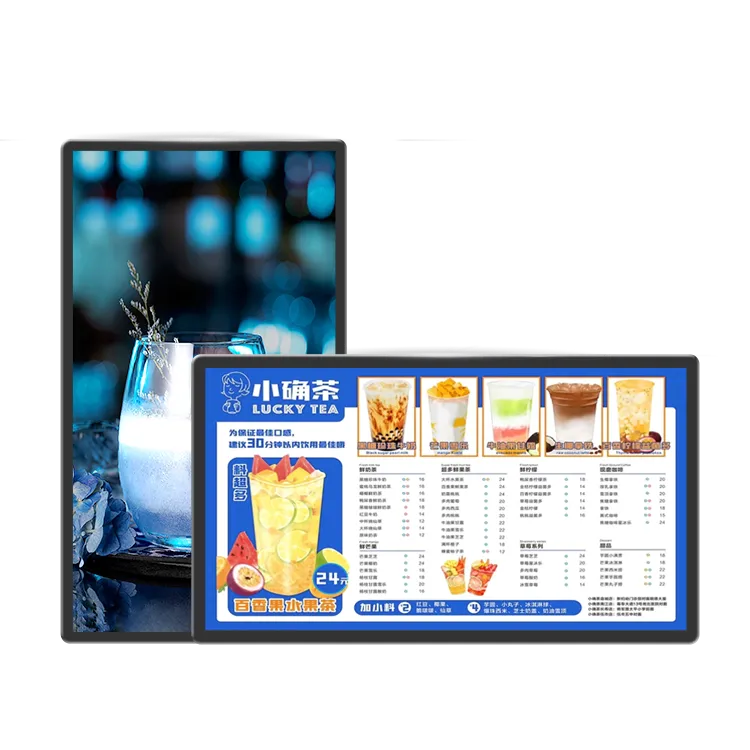
For difficult settings, High-Brightness Design, Anti-Glare, and IP65 are available.
Industrial LCD digital displays need extra protection against the elements if they are to operate correctly in difficult surroundings. IP65 enclosures totally prevent dust particles from entering and can resist splashes of water without harm. This makes them perfect for areas like warehouse sections with continuous movement, factory floors with machines operating all day long, or even somewhat sheltered outdoor locations close to warehouses. Unlike typical glass surfaces, the screens also include anti-glare coatings that greatly lower undesirable reflections. We're talking about three quarters less glare, which means that in courtyards and atriums, text and images remain clear and readable even when direct sunlight coming through windows or skylights is present.
For factories, outside kiosks, and transit hubs, firmware calibration and environmental adaptation are used.
Modern touch systems' smart firmware can adjust in real time for a wide range of environmental elements that interfere with touch accuracy. The automatic calibration tool does quite well with thermal expansion across its whole operating range from roughly minus 20 degrees Celsius to 50 degrees, plus it manages those humidity variations we observe so frequently in locations such as food processing factories or near coastlines where moisture levels vary continually. Rain-sensing technology on outdoor kiosks increases their touch sensitivity when it starts to rain, which is logical if someone wants to use them without getting drenched. Meanwhile, at busy transit stations, there are these smart palm rejection algorithms operating behind the scenes to keep individuals from unintentionally pressing buttons as they are passing by one another in throngs.
Shanghai Metro S86DS-T Pro Case Study: High-Traffic LCD Digital Signage Deployment with Glove Support in Capacitive Multi-Touch
The Shanghai Metro put in more than 200 Skyworth S86DS-T Pro units as part of their improvement project, which shows how well capacitive technology works when pushed hard. Under circumstances where humidity occasionally reaches 85%, these displays run continuously for 18 hours daily. They can still respond in less than 10 milliseconds even if passengers are donning those bulky surgical nitrile gloves. These screens kept an outstanding 99.8% accuracy rate during touch interactions across more than six months, handling about 3.2 million touches from daily commuters.
Frequently Asked Questions
1. Resistive and capacitive touchscreens differ primarily in what ways?
Two conductive layers that react to pressure define resistive touchscreens, perfect for harsh conditions and use with gloves or styluses. Using fingers, capacitive touchscreens sense variations in an electric field for rapid, accurate input, therefore providing increased clarity and multi-touch support.
2. Under what circumstances do resistive touchscreens outperform capacitive ones?
Ideal for outdoor kiosks or factories, resistive touchscreens shine in surroundings with water, filth, or intense contact. Applications needing gloves or styluses also benefit more from them.