
 EN
EN
 CH
CH FR
FR ES
ES AR
AR FA
FA AZ
AZ JA
JA KO
KO TL
TL ID
ID VI
VI TH
TH TR
TR BN
BN LO
LO MN
MN MY
MY KK
KK UZ
UZ KY
KY DE
DE IT
IT PT
PT RU
RU BG
BG HR
HR CS
CS DA
DA NL
NL PL
PL CA
CA SR
SR SQ
SQ HU
HU GA
GA CY
CY IS
IS EU
EU LA
LA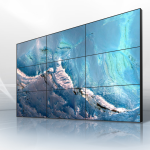
The Playback Controller’s unique firmware focused on PTP (Precision Time Protocol) allows the Playback Controller to synchronize frames with precision across multiple screens/monitors in the system. With the appropriate hardware timestamping and boundary clock components, the system’s clocks can be synchronized in the microsecond range, with most latency (i.e., lag) less than 100 microseconds. For NTP (Network Time Protocol) solutions, this level of precision is extremely helpful for maintaining the quality of video wall displays. (i.e, NTP induces jitter). Having PTP-Optimized (Precision Time Protocol) systems, evidence suggests (well) real world systems, demonstrates a typical 92% reduction (or, an improvement of 92% to the reduction) of NTP (Network Time Protocol) in jitter, resulting in an improvement to video wall displays. Operating on layer 2 of the OSI model has PTP (Optimized Precision Time Protocol) systems bypassing IP route delays that can negatively impact video wall synchronization.
Sub-16ms Jitter Performance Across Multiple 4K Displays at 60Hz
For smooth display performance, screen display component jitter must be held under 16 milliseconds, as this is the time of a single 60hz refresh cycle. Our controller develops strategies to achieve this, utilizing proprietary video processing chips that “buffer, time, and reorder streams” for the 4K feeds, all without damaging the integrity of the HDR metadata. When we conduct testing at real installations containing 8 screens within a single 4K video wall, we capture average jitter at approximately 12.8ms ¬± 0.9ms, hence, falling short of the average person(s) threshold. Our system eliminates stutters during rapid action scenes, or across multiple camera panning scenes. We most applaud our systems thermodynamic functionality and performance. For 3 days at 40 degrees celsius our system held steady. Place Like busy digital displays within control centers.
Master-Slave Failure Modes Beyond Four Displays
Scaling beyond four displays exposes structural weaknesses in master-slave topologies. As master controllers shoulder increasing load, they become single points of failure, triggering cascading latency increases for all displays. Failure modes observed include,
- Slave display clock drift of at least 2-3 ms per minute,
- Frame buffer full (content at display freezes),
- Secondary display master/slave sync drops frame priorities (to triage dropped frame conflict resolution).
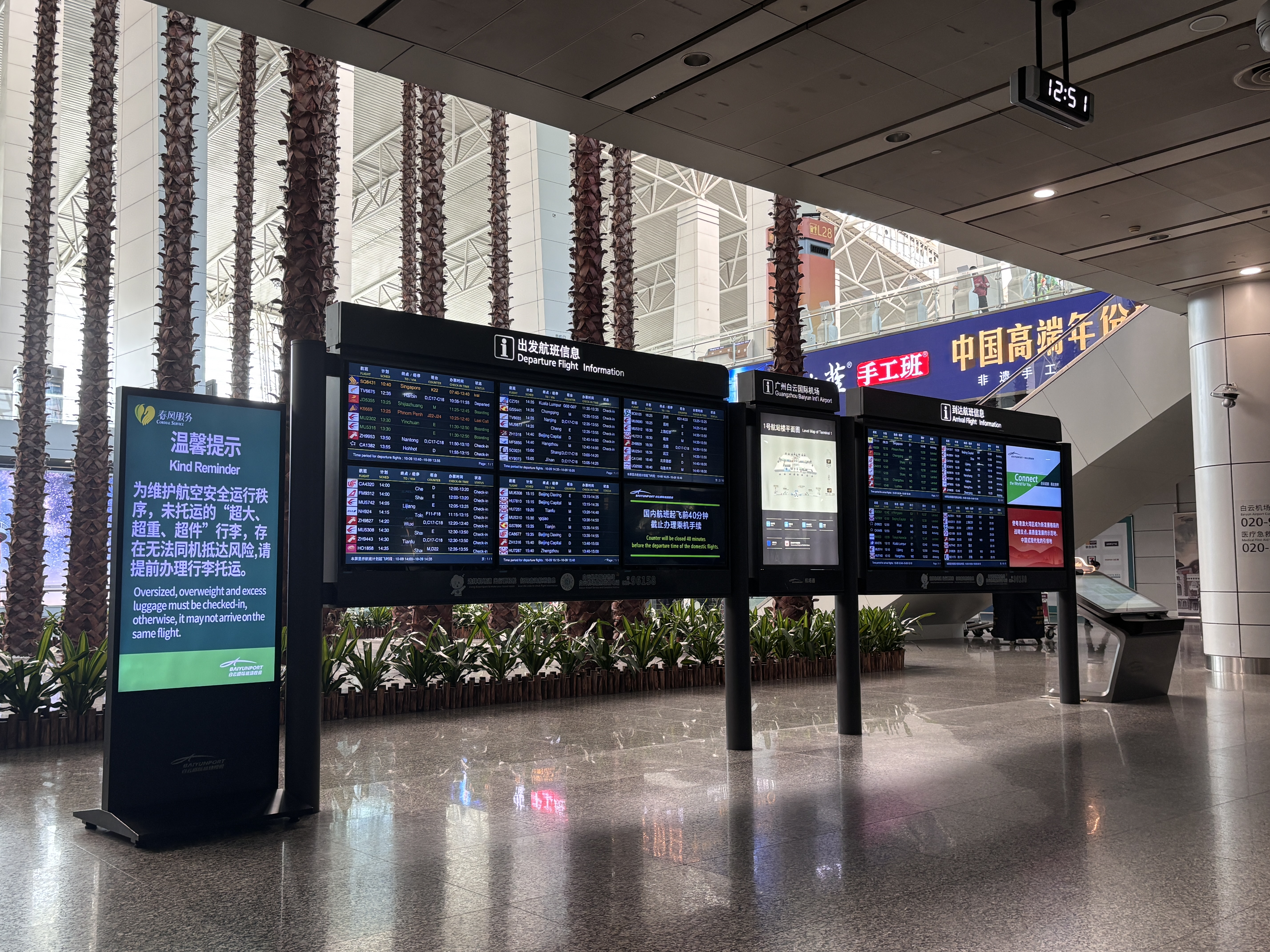
These issues worsen in larger grids, as error correction disproportionally burdens processing resources. Performance benchmarks for video walls (beyond 6 displays and prior to throttle conditions) show a 40% increase in failure rates in 12 continuous hours of operation. This is worsened when video walls operate in thermal conditions above 35 deg C.
Compatibility of Playback Controllers and 3rd Party Video Wall Systems
Most 3rd party video wall systems are compatible with most of the video wall systems playback controllers due to the HDMI 2.0 and DisplayPort 1.4 inputs and standard signal protocols. This means playback controllers allow for connection to a variety of sources and also provide HDCP 2.3 compliance which are barriers to presenting protected content. To aid in the fixing of display issues, calibration tool features are also included to automatically adjust for screen bezels and color match display panels. Playback controllers are designed to resolve display issues and provide a synchronized experience across all video wall displays. The video wall displays also use Industry Standard PTP over IP networks as a means to synchronize their systems. Controllers can be set in either a master or slave role which enables desirable controller functionality with a specific role in the video wall display set. Display systems also utilize Engineering Design Integration or EDID management to set and adjust video wall display parameters. Video wall display systems are also capable to adjust display parameters and provide Video wall display features such as frame rate interpolation. Playback controllers sync functions operate autonomously and provide video wall sync functions with newer updated firmware from the wall systems of other manufacturers.
Reliably Synchronized Playback: Firmware Requirements
Getting screens of all types: LCD, LED, OLED, to play videos frame-by-frame involves complex coordination at the firmware level. However, there's great news! Firmware version 3.2.7 and newer ensures less than 16 ms timing drift in mixed display configurations (3.2.7 uses smart algorithms to neutralize panel response time differences, ranging from 1 ms to 8 ms). In contrast to drift on older firmware versions (display systems have been observed to be 43 ms out of sync in 15 minutes of continuous 4K video at 60 fps), 3.2.7 and newer versions retain sync over time. Additionally, older firmware versions have unresolved memory management issues that create problems with the master controller setup for 3x3 display arrays. Newer versions have also have a built-in feature that automatically calibrates offset adjustments to historically differing response time panels and other previously installed or newly installed panels which eliminates the need for manual adjustments to offset calculations.
The result? Displays align to refresh at the same time. If installs have mixed displays, upgrading to at least 3.2.7 is necessary to avoid distracting visual artifacts during playback.
FAQs
What is Precision Time Protocol (PTP)?
Precision Time Protocol (PTP) is a time synchronization protocol for a networked computer system. It is a more precise alternative to the Network Time Protocol (NTP) and is often able to provide time synching with an accuracy measured in microseconds.
Why is firmware version 3.2.7 necessary for synchronized playback?
Firmware version 3.2.7 came with an updated algorithm, as well as, a built-in database to enhance the level of synchronization among different makes of video panels. It also solves the issues of timing accuracy and the resulting distracting artifacts during playback.
Can Skyworth’s Playback Controller be used with video walls that are not Skyworth brand walls?
Yes, Skyworth’s Playback Controller can be used with video walls of other brands as long as those video walls are using the most current recommended firmware updates.
What are the possible effects of grid configurations extending beyond 3×3?
There can be timing misalignments with skipped frames and therefore visual and audio sync issues.